
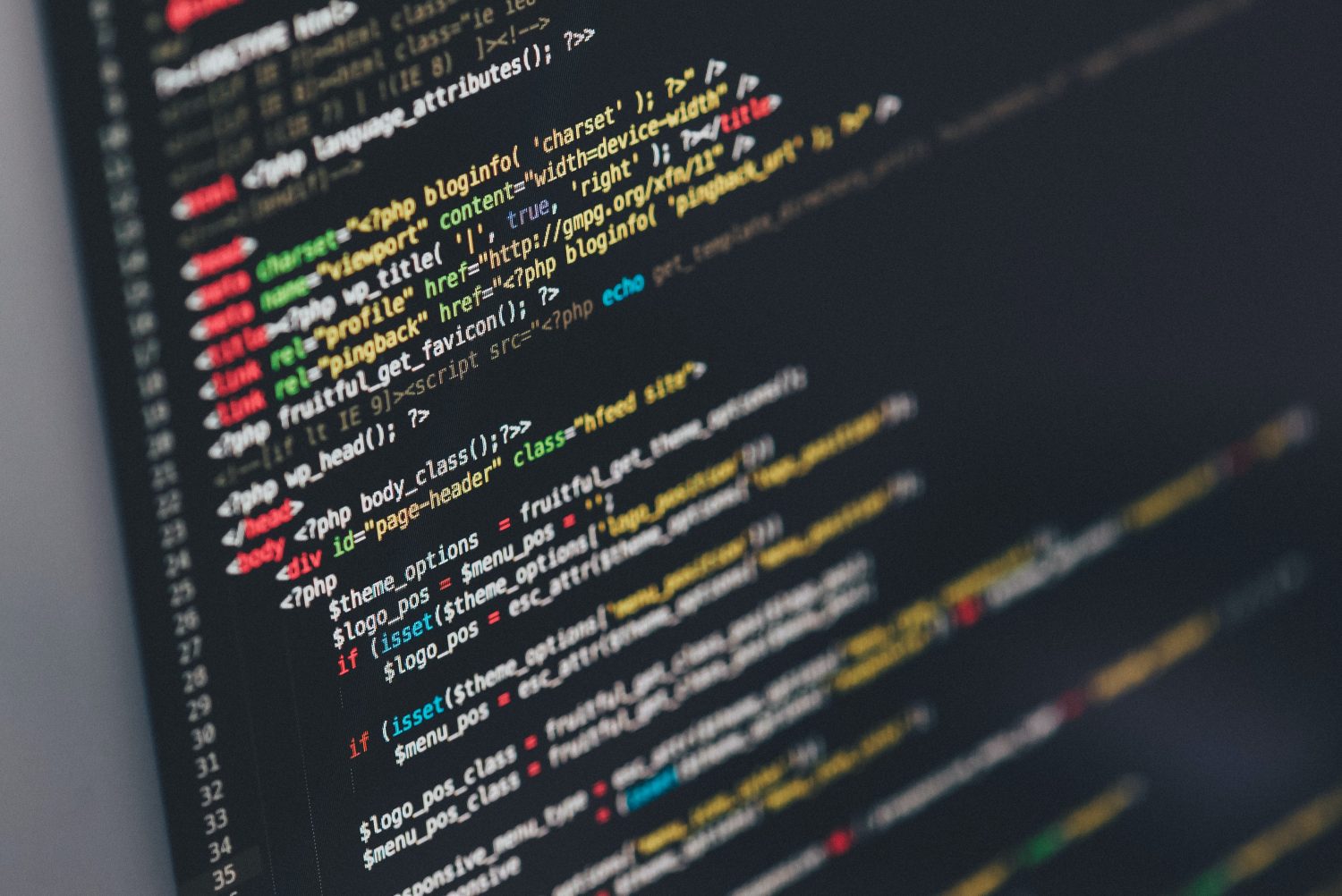

1. PHP:
WordPress is built mostly using PHP meaning that although many people are able to use WordPress without knowing much if any PHP and can still build fantastic sites it’s a great language to learn. It allows you to start developing more complex elements to your sites or to work with a greater level of control of your theme files and themes.
PHP is a scripting language used in many different instances but primarily with web development. PHP is a server side language which means that it’s compiled at server level unlike Javascript for example which is executed on the clients machine.
PHP is extremely versatile when utilised within web development as it can be coded with HTML for example:
<html>

    <body>


<div class=”First-paragraph”>
<p> This is HTML </p>
</div>


<?php

echo “This is PHP code”;

?>


    </body>

</html>
It’s also a very well-documented language due to the time that it has been around so it can be easier than other languages to learn but also extremely powerful for experienced developers. There are additional libraries such as Djano and Laravel that allow extension of the language although you’re unlikely to use these heavily with WordPress if at all.
2. HTML:
This language is the standard language that’s used to build basic websites and makes up at least some part of most websites. Whilst HTML sites can be standalone using technologies such as HTML 5 they’re often utilised as part of a wider development either as part of a content management system such as WordPress or with Javascript and CSS for example.
In terms of WordPress it’s used in conjunction with PHP on many of the template pages and is one of the easier languages to learn. For those looking to write Themes or to code WordPress pages from scratch knowledge of this language is essential and even for those not looking to do so it’s helpful to understand some HTML when building a basic website with WordPress.
3. CSS:
CSS stands for cascading style sheets. It’s heavily based around being used on the web and in basic terms is used for styling documents or web pages. It’s a relatively simple language to learn and can be extremely powerful once mastered. As the language has grown you’ve been able to do an increasing amount with it and browser support for many of its features are relatively universal. There are some subtle differences between browsers when writing it but most are relatively simple.
You can set things with CSS such as background colours and font-styles etc. as well as layout positioning and mobile responsiveness. It’s heavily recommended that even if you’re just working with WordPress on a basic level that you learn some CSS as it’s very useful for customising posts and pages.
4. jQuery:
You may have heard of jQuery before or not but it’s a Javascript library which in basic terms simplifies a number of things that you could do with Javascript. Before learning jQuery it’s generally recommended that you have at least some basic understanding of HTML, CSS and Javascript.
jQuery requires a specific library to run which is already bundled with WordPress from the install. To learn more about using jQuery with WordPress take a look at our tutorial here.
5. Javascript:
Javascript is a high-level language compiled on the user’s machine rather than being server side. It’s used on many websites to add additional functionality where HTML and CSS isn’t able to or where it’s more efficient to utilise Javascript. It has been around for quite some time and has many widely used libraries such as the above mentioned jQuery or Angular.
It’s relatively easy to utilise with WordPress, take a look at our tutorial to learn how to add it to your site.
Your development approach to learning the languages used with WordPress will depend entirely on any past development experience. For example those able to code using other languages may find learning PHP and Javascript quite easy. However those just starting out with WordPress or web development in general may find it much easier to start with HTML and CSS in order to start building websites as usually PHP and Javascript is used for more complex elements and websites.
Further reading:
Adding CSS to WordPress
We’d appreciate a share or any comments if you found this useful, thanks!