
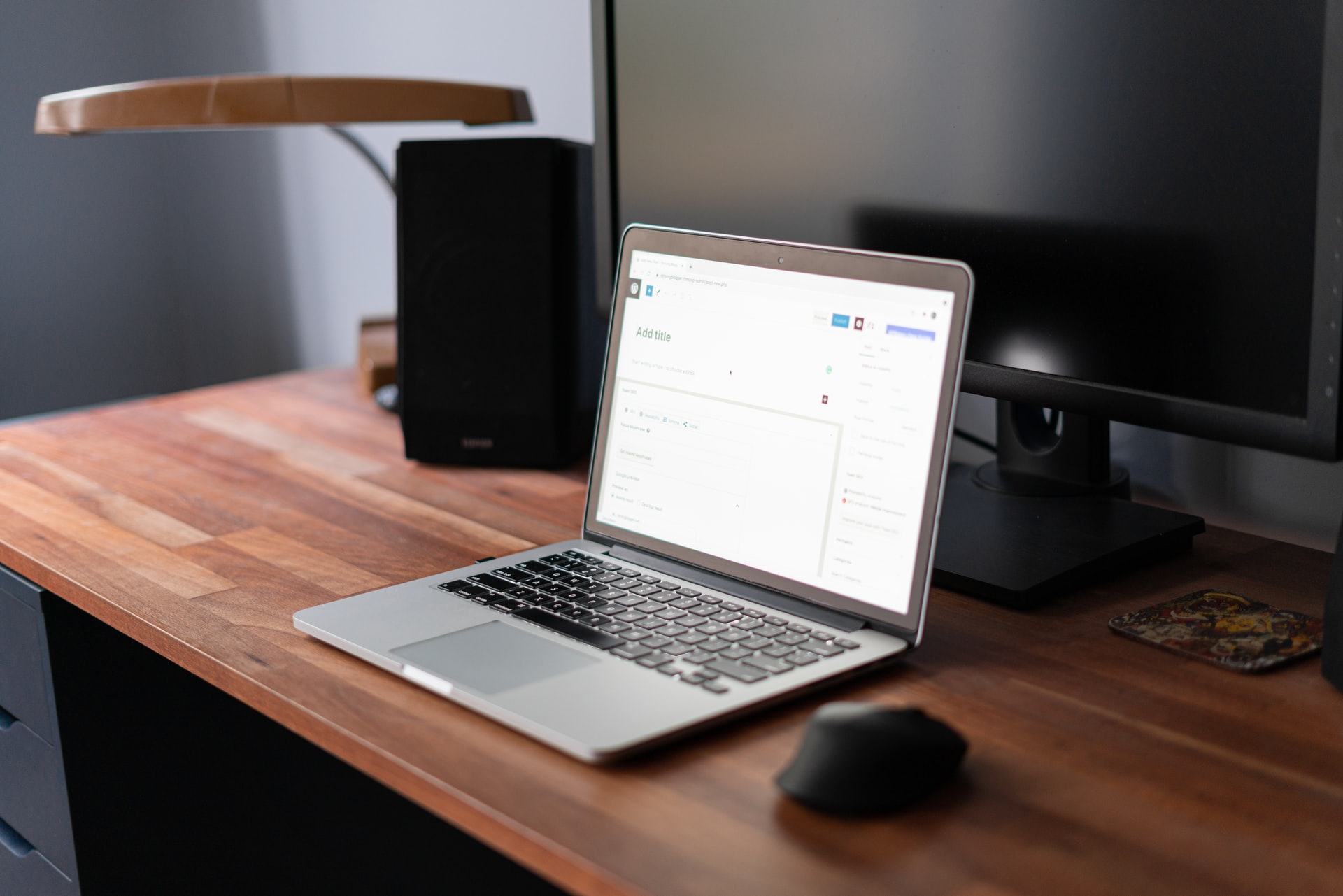

In WordPress 5.8 (2021) the traditional widget system was replaced with the new block-based system using the Gutenberg editor.
Whilst fans of the new editor may have rejoiced at this, if you’re not used to it yet or simply prefer the old format worry not in this post we’re exploring a few methods for restoring the old Widget versions.
The Two Main Methods for Enabling Classic Widgets:
In this article we’ll explain two main methods for getting the WordPress widgets section back to the old format.
These are:
Using Code
Using a Plugin
Each of these methods has their own merits which we’ll explore and then you can decide which one is best for your needs!
Using Code:
WordPress.org features a great snippet you can add to your functions.php to revert your widget configuration.
function example_theme_support() {
    remove_theme_support( 'widgets-block-editor' );
}
add_action( 'after_setup_theme', 'example_theme_support' );
Be sure to add this to a Child Theme or a code snippets plugin rather than directly to your functions.php file or it’ll be overwritten when you update your theme.
Using code directly is great for those with some experience of editing their functions.php file, it also keeps your site lean and adds only a minimal amount of additional code. However if you’re new to WordPress or editing your site code isn’t something you want to do worry not, there is a plugin based solution!
Using a Plugin:
Using a plugin is another alternative when it comes to disabling the block editor within your WordPress widgets section. This method is quick and easy and there are multiple plugins you can use such as:
1. Classic Widgets:
This plugin maintained by the WordPress team is a handy way to revert to the classic widgets section.
2. Disable Gutenberg:
This plugin is handy if you also want to disable Gutenberg on your pages / posts throughout your site. It offers an all-in-one solution and is quick and easy to get setup and configured.
3. Classic Editor:
You can also use the classic editor plugin if you want to disable Gutenberg on your pages / posts as well as within your widgets section.
Picking the Best Solution for Enabling Classic Widgets:
Whatever method you pick to restore the classic widgets format it’s worth bearing in mind that the latest versions of WordPress use the block editor.
So some themes / widget configurations may be designed to work specifically with the block editor.
We would suggest if you’re an avid coder to implement the code version of the above solutions. However if you’re just looking for an easy solution specific to the Widgets section the Classic Widgets plugin works very well!
Further Reading:
How to Add Functions to WordPress
Summary:
If you found this useful we would really appreciate a comment or a share, thanks!





