
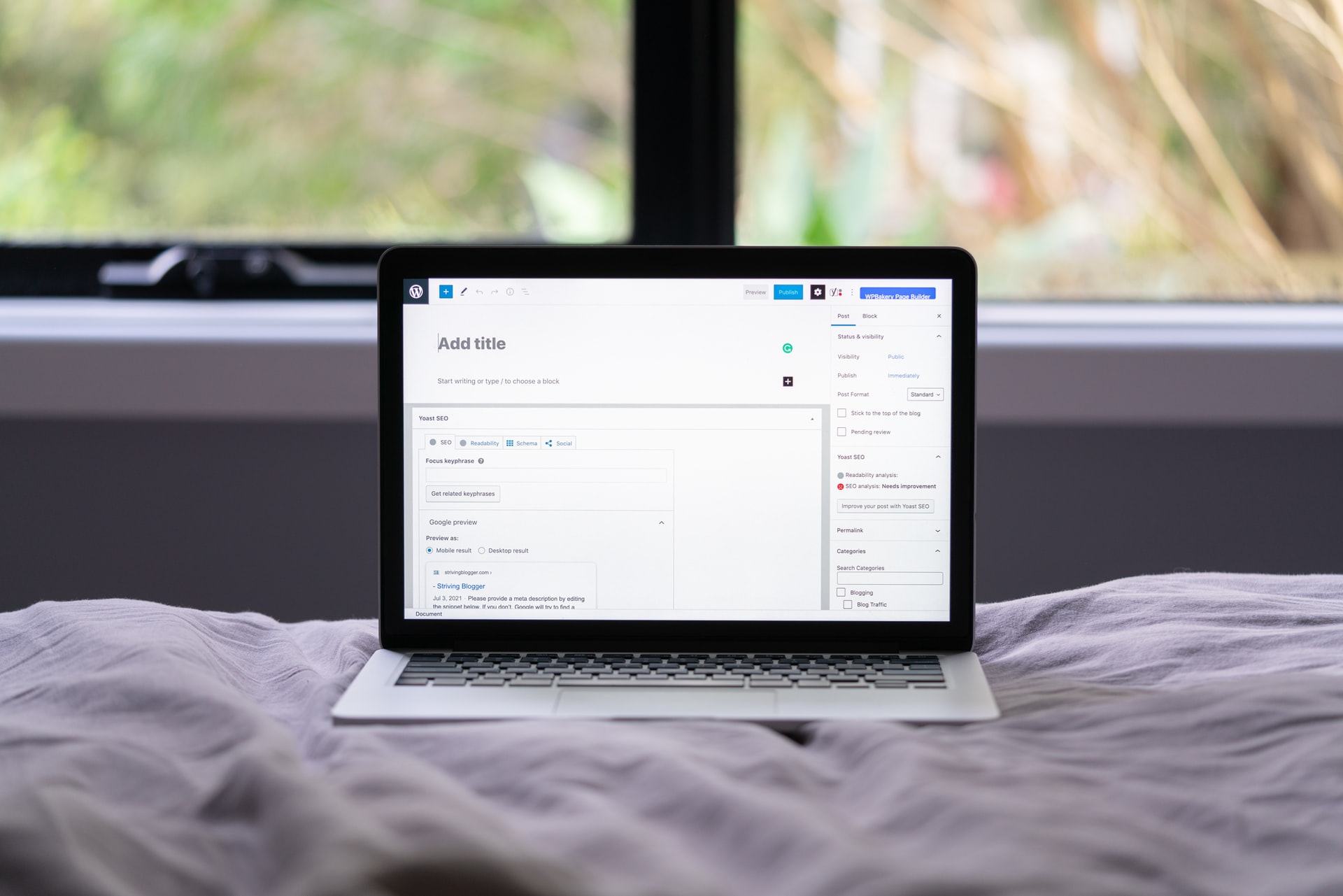

Custom Post Types also known as CPT in the world of WordPress sound really complicated but they’re really helpful and once you get the hang of them they add a huge amount of value to your site.
WordPress features posts, for example when you visit a blog built on WordPress and you read an article this is most likely a post. However they don’t just need to be used for articles, they are very flexible and can be used for a huge range of content.
For example where you have ‘posts’ in the WordPress dashboard you could add case studies as a tab through a custom post type.
You could then add text to your case studies and show them as posts on the front-end of your site. Allowing you to have a blog page and a case studies back with separate tabs in the WordPress back-end for editing the specific content.
This makes organising, styling and updating your content much easier.
Features of a Custom Post Type:
A custom post type doesn’t need to be identical to your current post setup, there is a huge range of flexibility and options so that your post type does exactly what you need it to.
Post Type Slug:
With a custom post type you can set a specific slug to make your content easy to find within the URL for example /case-studies this means visitors can go to /blog and /case-studies for content specific to the post type.
Menu Name:
You can set a menu name that shows up in the dashboard of WordPress, for example ‘The Case Studies’ this makes using your custom post type easy and quick to find.
Taxonomies:
Taxonomies allow you to group content together, for example you can add categories and tags to your custom post types. This means that content within your custom post types is easier to filter, find and use in specific ways throughout your site and theme. You can also create custom taxonomies to make the grouping and filtering more specific.
Supports:
Custom Post Types have the ability to support post editor features, these include:
Title
Editor
Featured Image
Excerpt
Trackbacks
Custom Fields
Comments
Revisions
Author
Page Attributes
Post Formats
These features are included within most posts by default, for example when you go to edit a post you have the option to add a title this is usually shown within the post (this will depend on your theme and the options you have toggled).
With custom post types you can pick which default supported elements you want, for example if you don’t want to include the standard editor within your post type and would rather use custom fields you would simply not include it in the CPT.
Custom Fields:
Custom Fields provide even more flexibility for custom post types, without them you would need to use the built in components mentioned above. Whilst these are powerful they don’t allow you to create a custom post type that can output a truly enormous range of custom formatted data to suit your website needs.
What Do We Mean by This?
Let’s say you have a website and you have a post type with 10 images that you need to style in a specific way and they’re likely to need updating every now and then. Adding 10 images to the default editor and ensuring they stay styled in a pre-formatted way would be tricky.
With custom fields you can add 10 image sections, apply specific classes or ID’s and set requirements for each image upload. This way only images that are appropriately sized can be uploaded for example. The predefined custom fields mean that you can ensure that once uploaded they retain their style.
With custom fields you can use a massive range of features such as URL blocks, file uploads, selectors, dates, galleries etc. to give you complete control over your CPT.
Themes:
Most themes use Custom Post Types to add additional functionality, for example when you install a theme and see that it has a case studies section built-in. This is a custom post type and the code to add this is included within the theme.
Plugins:
Plugins do the same as themes when it comes to CPT’s, often when you install a plugin it adds a section to the WordPress dashboard for the plugin. In many cases this will be a custom post type, the post type is used to provide functionality for the plugin. For example an image plugin may have a post type called ‘images’ you can upload images as posts and they are then output through a shortcode or on a specific page. The code is pulling this data from the image CPT.
Custom Post Types Overview Summary:
There is much more to custom post types as they are extremely flexible and we could delve into a huge range of details about them, however the above gives you an overview and an initial understanding of how powerful they are and what they can do.
How to Implement Custom Post Types:
There are multiple ways to implement custom post types, two of the main ways are:
Using Code
Using a Plugin
Using Code to Implement Custom Post Types:
Rather than delve into the complexities of the code here in great detail the WordPress Developer Documentation Provides a greater initial guide for getting started.
Another fantastic resource is this article by WPBeginner.
Using a Plugin:
Using a plugin is by far the easiest way to implement Custom Post Types one of the best options out there is Custom Post Type UI:
Once you’ve installed Custom Post Type UI you may want to add custom fields this can be done easily with:
Further Reading:
Summary:
We hope you found this useful, if you did we would really appreciate a share and any comments, thanks!