

In this article we’re taking a look at how to install a range of content management systems.
What is a content management system?
You can skip this bit if you’re already familiar with the basics, however it’s important for us to first identify what a content management system is and how they’re used.
Examples of popular content management systems include WordPress, Drupal, Joomla, Grav and many more to name just a few. Many of these systems are open source and are often part of a self hosted set-up which effectively means you or a provider you pick manages the hosting side of things.
There are also content management systems with dedicated hosting platforms that have hosting provided for you as part of your monthly subscription for using the platform where the hosting setup, management and control is done for you, these include tools such as Shopify and Squarespace.
In this post we’re only going to be exploring self hosted solutions as you won’t need to worry about installing the content management system with a managed platform.
When we refer to content management systems the short term CMS is often used. The main purpose of a CMS is to make the editing, management and uploading of content, products and any other website focal point much easier.
It means that editing a blog post can be as simple as writing using any regular text editor. Prior to the use of a CMS you would have needed some knowledge of HTML or any other coding language that the site is written in.
Many content management systems also provide the infrastructure to enable much more advanced functionality more easily through the use of modules, plugins and add-ons.
The Options For Installing a Content Management System
Option 1 – Use a hosting based package installer:
An example of this would be the tool Softaculous (https://softaculous.com/).
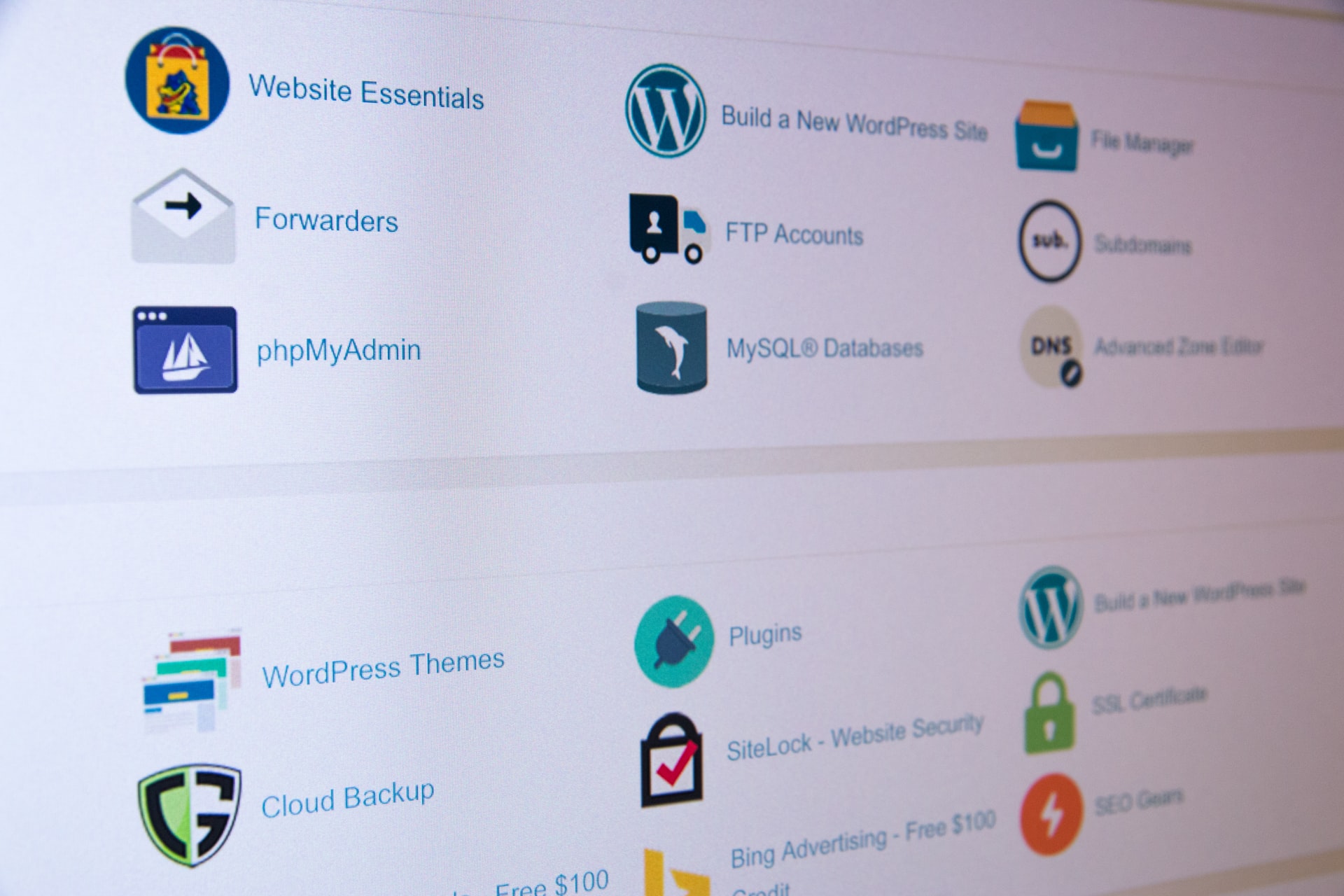
These types of hosting package installers effectively provide a large selection of open source content management systems amongst other tools such as project management systems, chat tools, social media platforms and much more.
The main advantage to using a package installer is that the process of installing a content management system is usually just a few clicks and a few details. For example installing WordPress is simply a case of clicking install, deciding on the folder for installation (normally Public_html) then filling in the initial details and completing the installer.
This process also makes it easy to see which packages are installed and helps to manage any other elements such as further installing any tools into separate subfolders within the same site.
The other major benefit is that most installers will complete the process of configuring the database during the installation process. This means that once you’ve installed a CMS you’re ready to start using it.
Option 2 – Manually Install the CMS:
In many instances a CMS will consist of a file component and a database component. You will need to have hosting with the capability to easily set up databases through a tool such as MySQL or MariaDB.
You will then need to visit the site of the CMS system that you wish to install, from here you will be able to download the relevant file component for the installation.
Each Installation will be different so be sure to look for the guide for each CMS within their knowledgebase or on the site, however we’ve included a few links to popular ones here:
1. WordPress – https://wordpress.org/support/article/how-to-install-wordpress/
2. Joomla – https://docs.joomla.org/J3.x:Installing_Joomla
3. Drupal – https://www.drupal.org/docs/installing-drupal
Option 3 – Platform Specific Hosting:
Many hosting providers are now offering managed / tailored hosting packages based around a specific CMS. WordPress is one of the most common examples of this and there are a tonne of managed platforms out there.
These types of hosting basically provide a large amount of the setup for you and simply require a few site specific details to be completed.
Option 4 – CMS specific methods:
As this tutorial is primarily aimed at those just getting to grips with Hosting Platforms and content management systems we won’t go into too much depth. However some platforms will have more technical install processes / more developer friendly install processes for example:
Command Line Installs
GitHub Repositories
Package Installers
Most of the above install processes will be accompanied by one of the earlier mentioned formats or detailed instructions provided by the CMS developer.
Further Reading:
Manually Updating WordPress Plugins
Summary:
Overall there are multiple different ways to install a CMS some are mega easy, some a little more complex.
It will mostly depend on the specific platform and the number of resources there are available and linked to that platform. If you’re a beginner just getting to grips with content management systems some of the larger platforms can be easier to work with. However if you’re somewhat familiar with content management systems some of the small ones can offer extremely powerful well thought out features that are useful for specific niches.
We hope this helps, if it did we’d really appreciate a comment or share thanks!





